For education and explainer videos
Search & Prompt Bar for DaVinci Resolve, as a transparent WebM
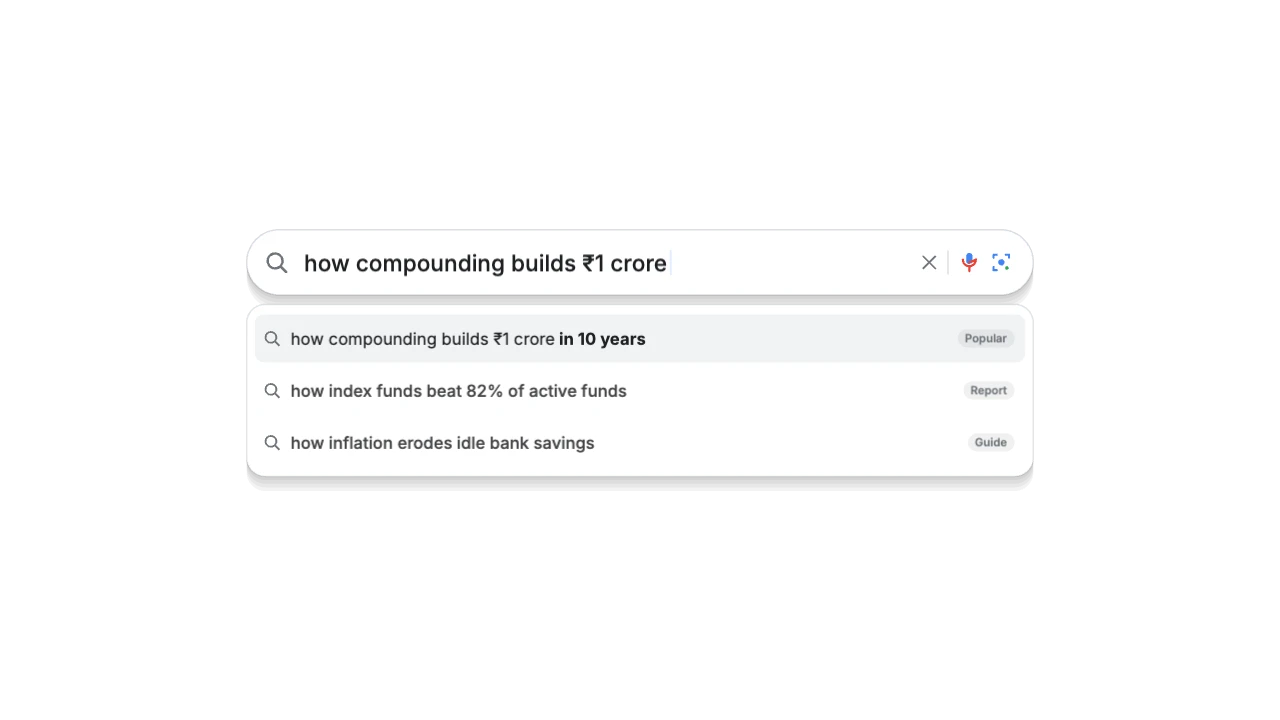
Web search pill, AI answer engine, AI chat composer, or ⌘K spotlight bar — types your prompt live and reveals matching results. Made for lessons, frameworks, key facts and quiz answers. Export it as a transparent WebM (alpha) and it drops straight into DaVinci Resolve.
STARTER16:9, 9:16, 1:1 · up to 60 fps
Also for DaVinci Resolve: transparent MOV, PNG sequence, green screen
Import guide · transparent WebM
Add it in DaVinci Resolve
- Import the WebM into the Media Pool and drop it on V2.
- If you see black: Clip Attributes → Alpha mode → Straight.
- ProRes is the most reliable alpha format for Resolve.
FAQ
How do I add the Search & Prompt Bar in DaVinci Resolve?
Import the WebM into the Media Pool and drop it on V2. If you see black: Clip Attributes → Alpha mode → Straight. ProRes is the most reliable alpha format for Resolve.
Why transparent WebM for DaVinci Resolve?
Alpha. Smaller. CapCut desktop, web. It's the format DaVinci Resolve reads most reliably.
Can I change the numbers and words for my education video?
Yes. Every word, number, colour and the motion are editable in the browser. It's made for lessons, frameworks, key facts and quiz answers.
Is it free?
Previews and styles are free to try. Customising and exporting are on Starter and up, with a 3-day free trial.