For finance and money channels
Your numbers, on screen, in a minute.
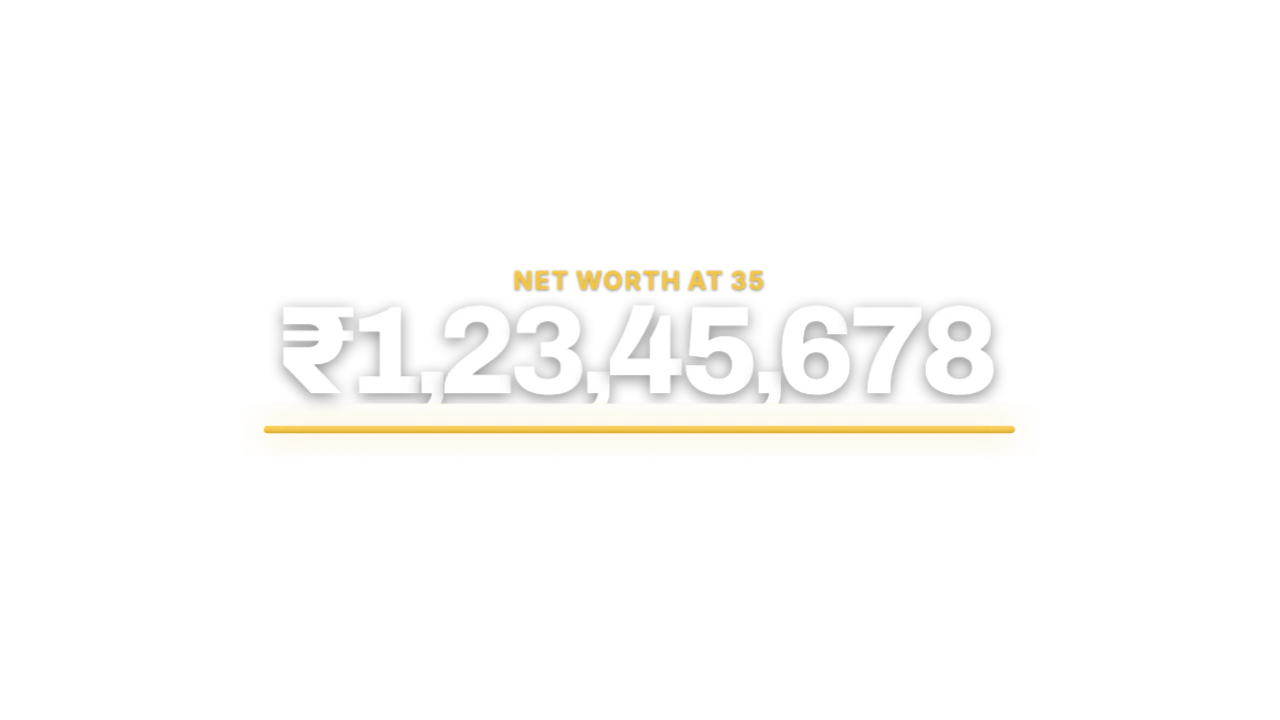
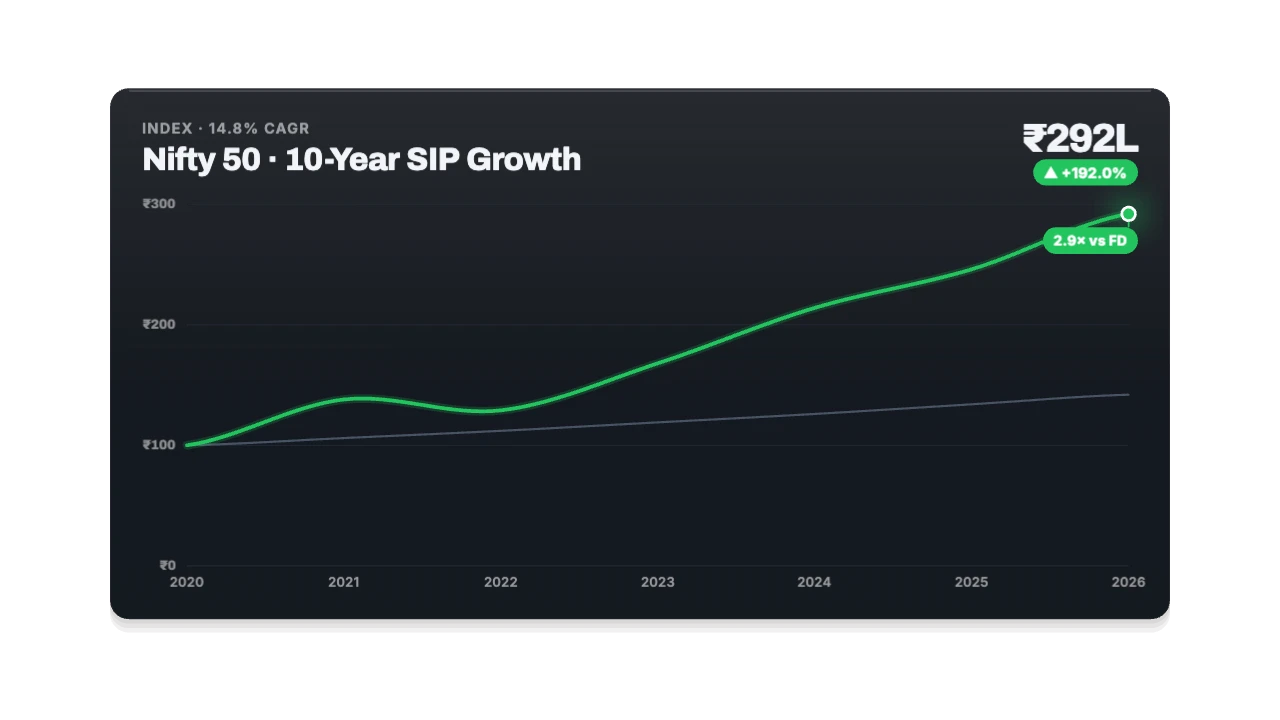
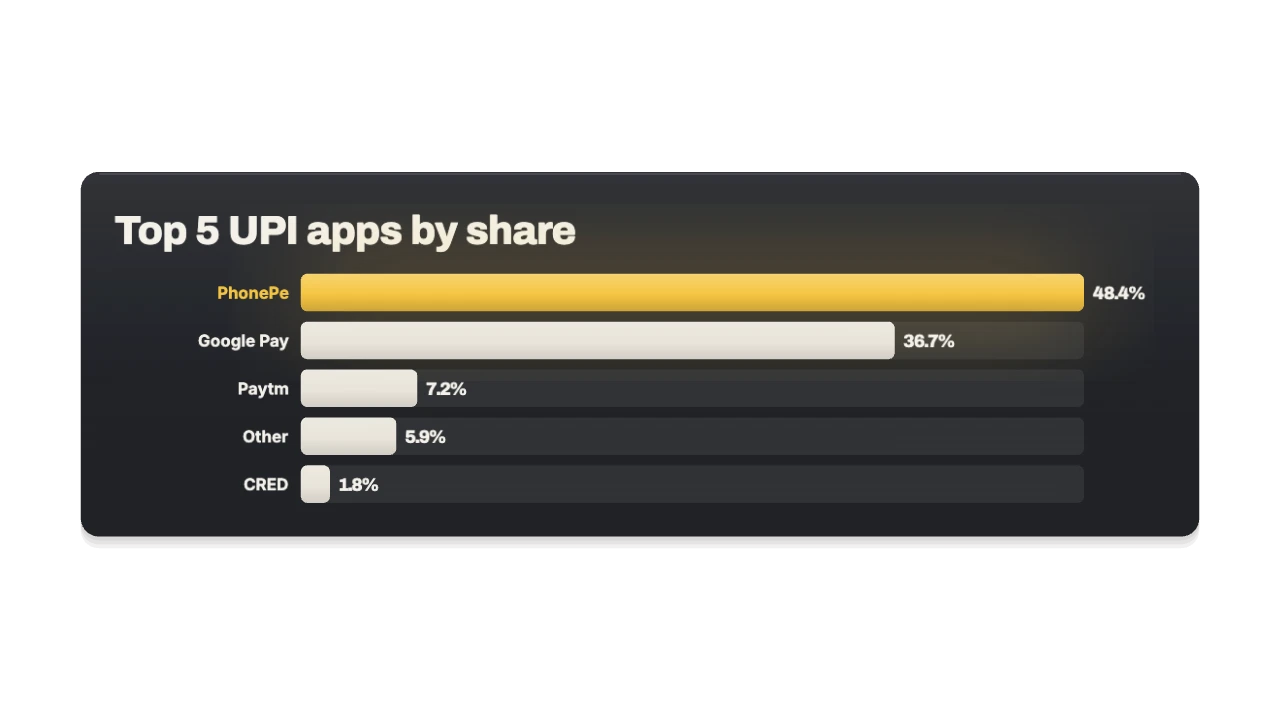
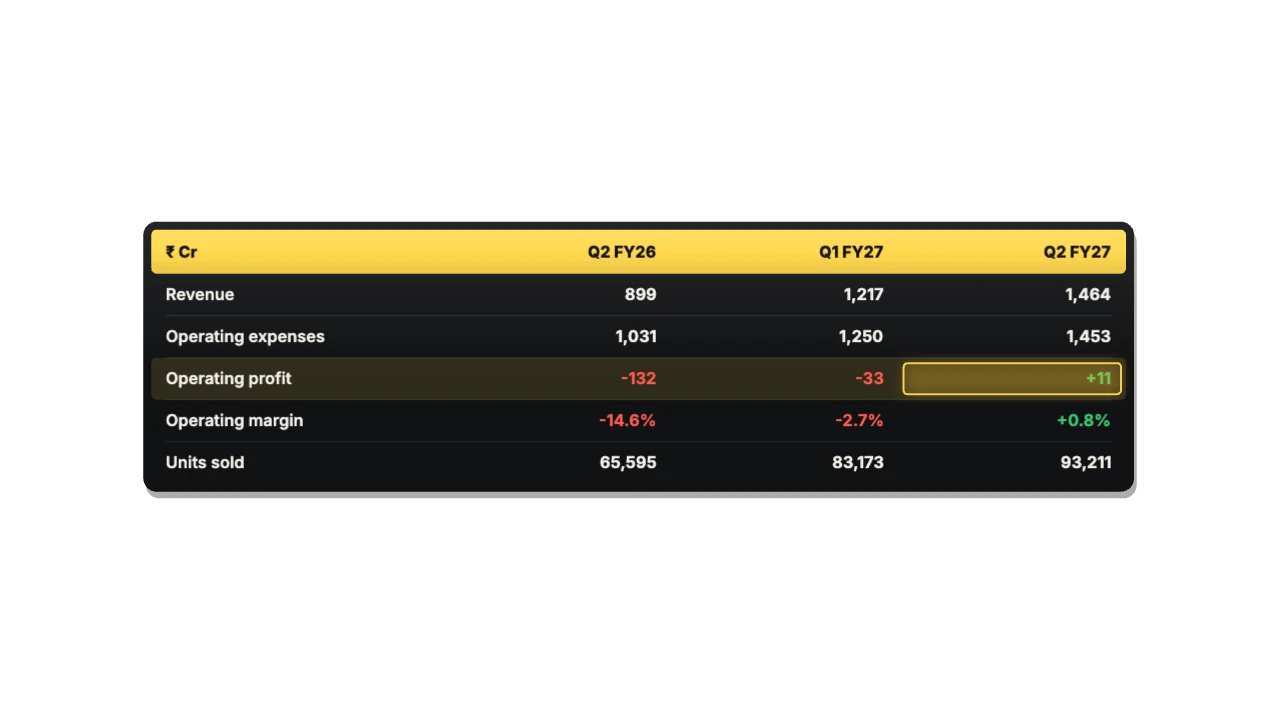
Counters that roll to your exact figure in ₹ lakh/crore or $, charts and tables from data you paste in, and the compounding ladder your viewers screenshot. Real numbers, not stock footage.
Elements
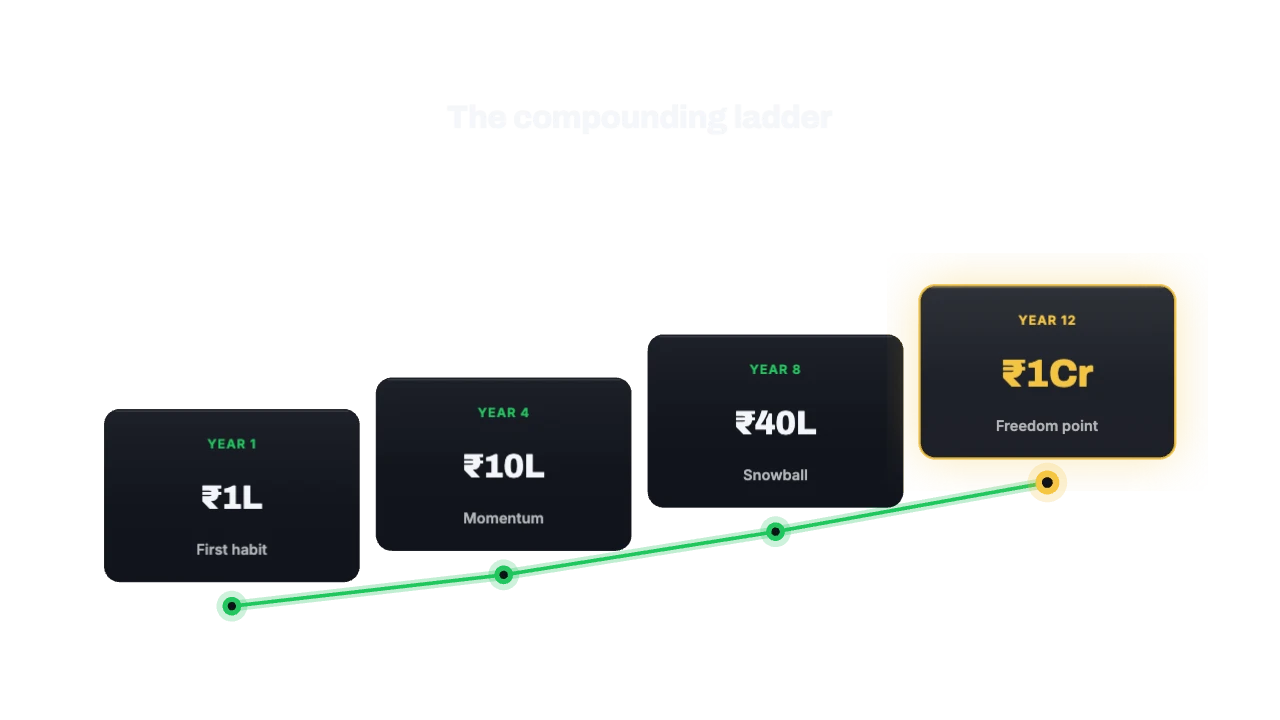
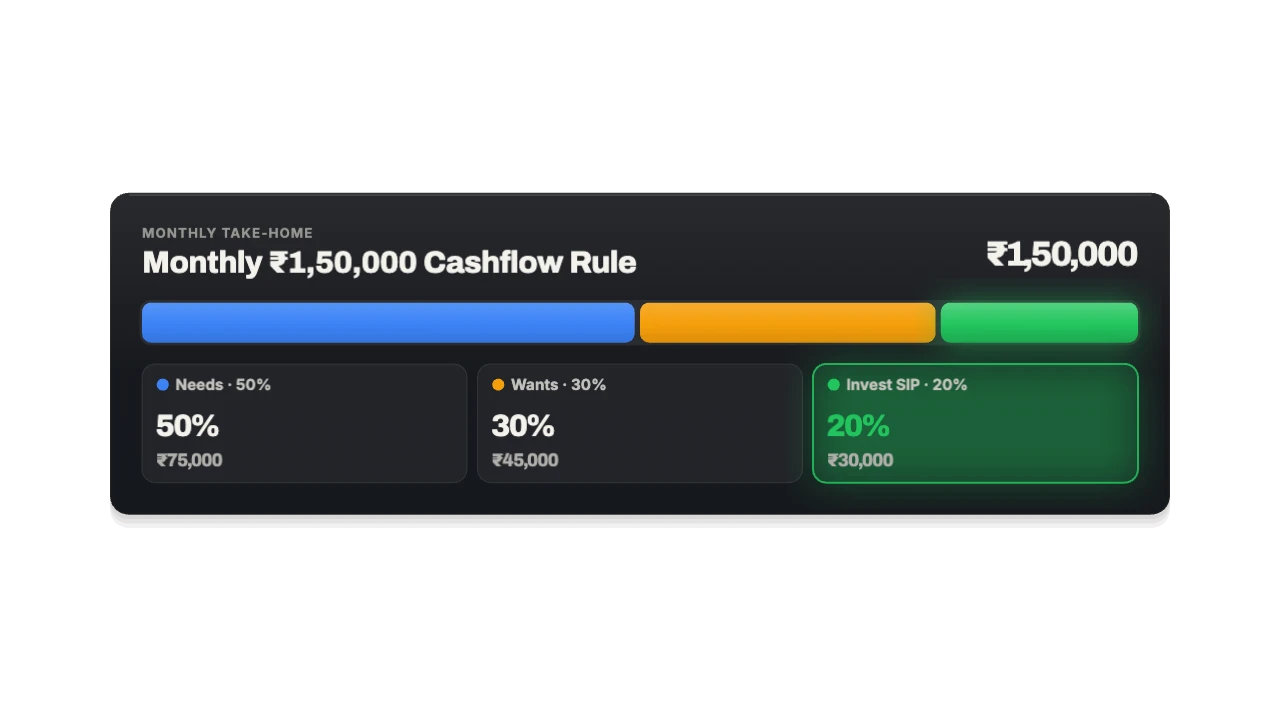
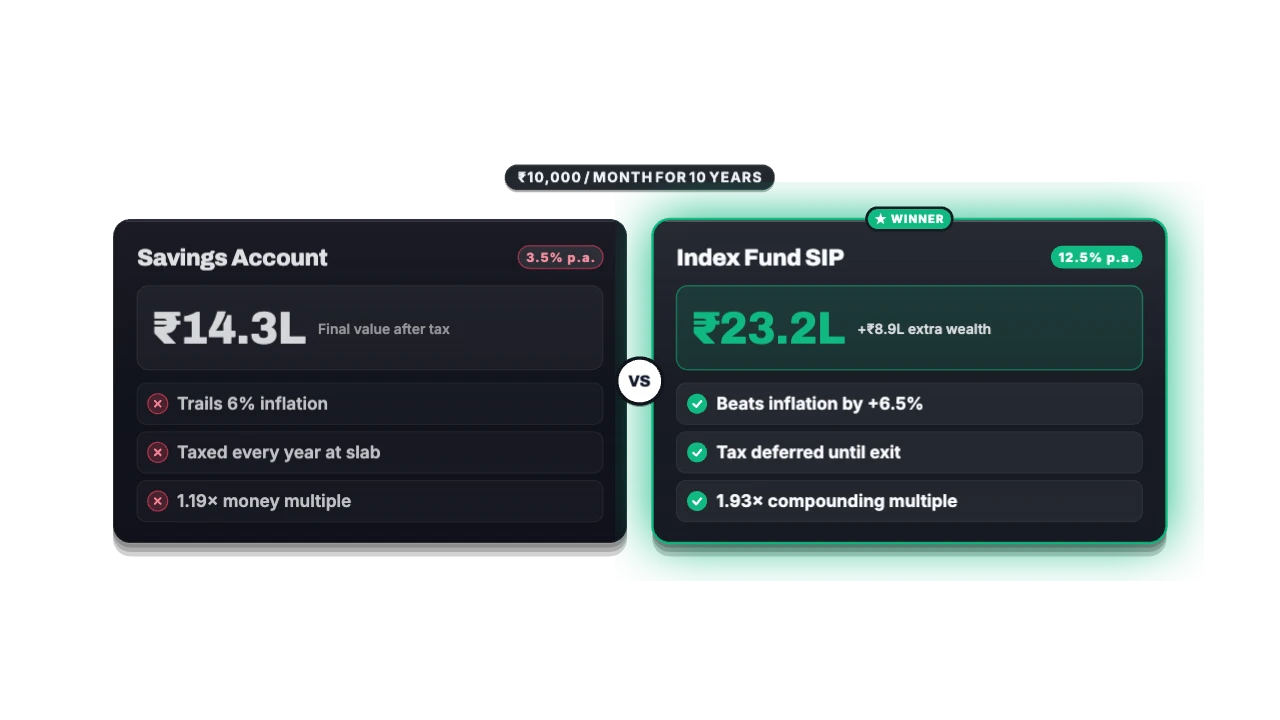
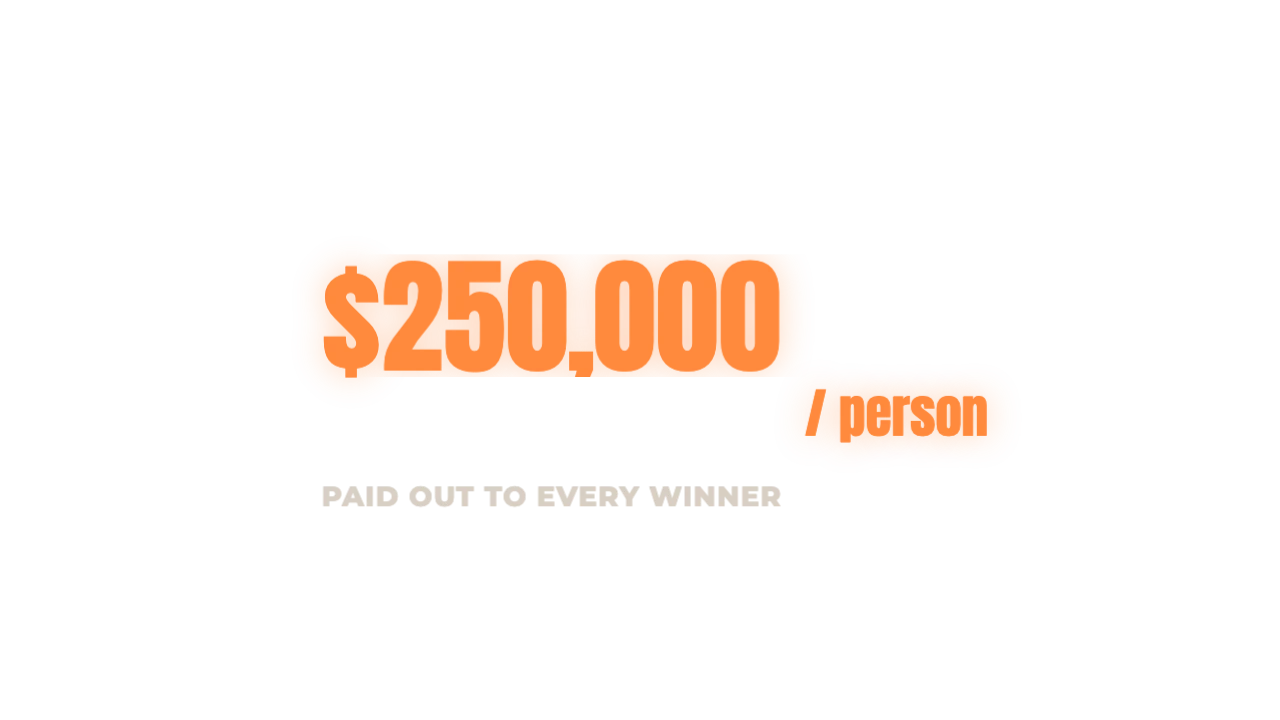
The two-hour version, and the one-minute version.
Today: Animate each number by hand, and redo it when the figure changes
With MotionJar: Type the figure; it rolls with lakh/crore or international grouping
Today: Screen-record a chart and hope it reads on a phone
With MotionJar: Paste your data from a sheet; bars and lines reveal one at a time
Today: Cover the screen with generic office and money footage
With MotionJar: Put the actual table, comparison or milestone on screen
Today: Re-export every graphic for Shorts
With MotionJar: Every element lays itself out for 16:9, 9:16 and 1:1
Type a number. Watch it land.
What it’s worth to you
You’d get back about
19 h
every month, across 40 elements.
Our estimate: about 30 minutes to build one element from scratch in After Effects (maps and data charts often take far longer), about 2 minutes here including the export.
Questions
Does it do Indian number formatting?
Yes: 1,23,45,678 lakh/crore grouping with ₹, or international grouping with $ and €. No value cap.
Can I paste data from Excel or Google Sheets?
Yes. Chart and table elements take pasted rows straight from a spreadsheet.
Can I use it in client videos?
Yes. Paid plans include commercial use in your own and your clients’ videos.