For documentary and explainer channels
The documentary look, without After Effects.
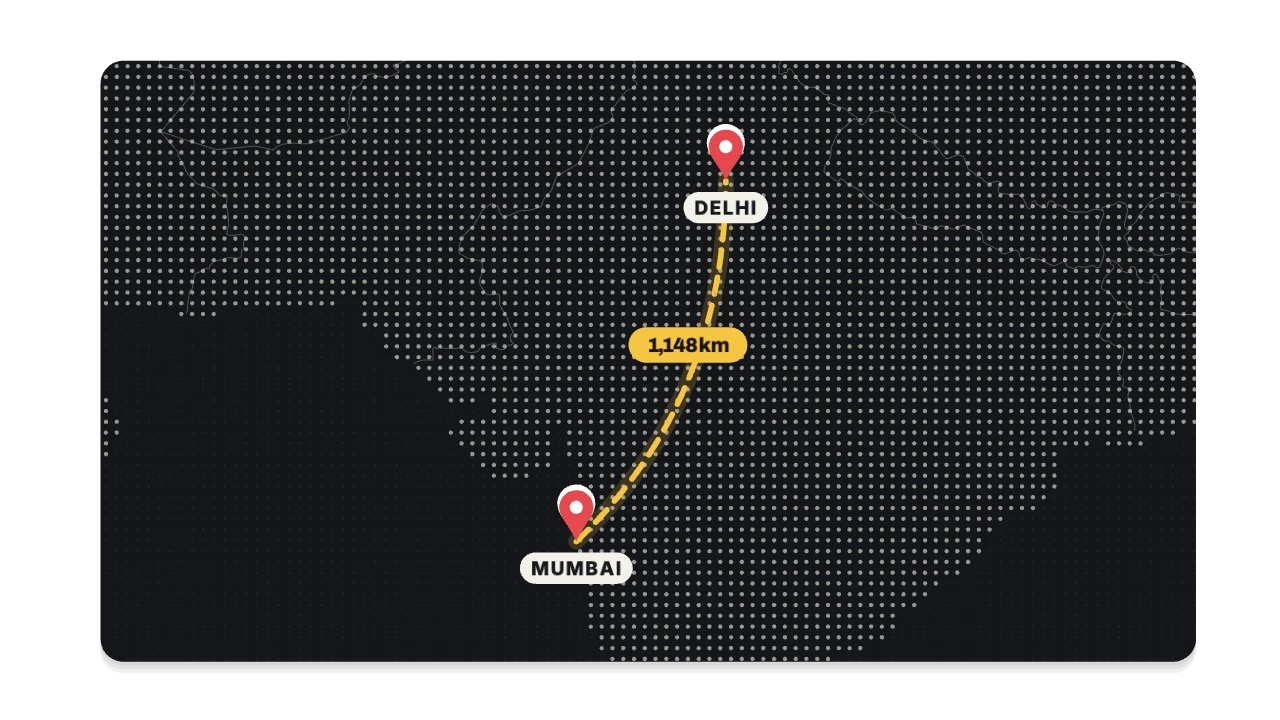
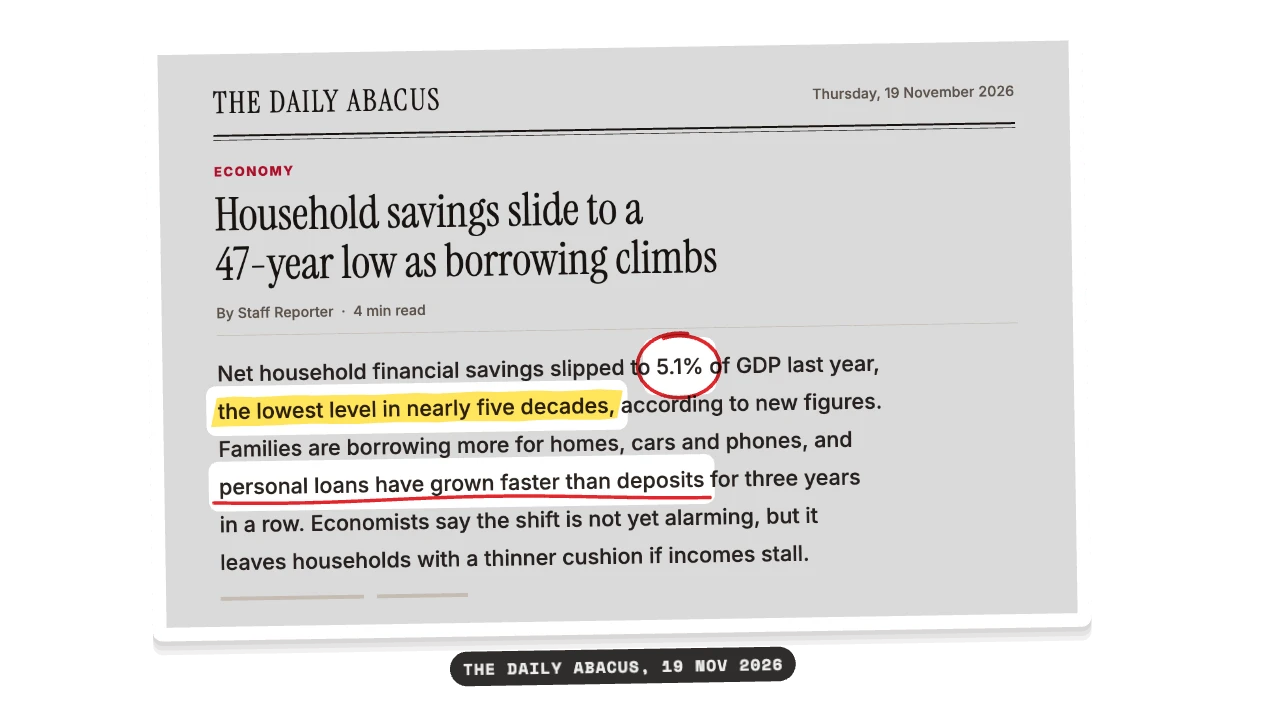
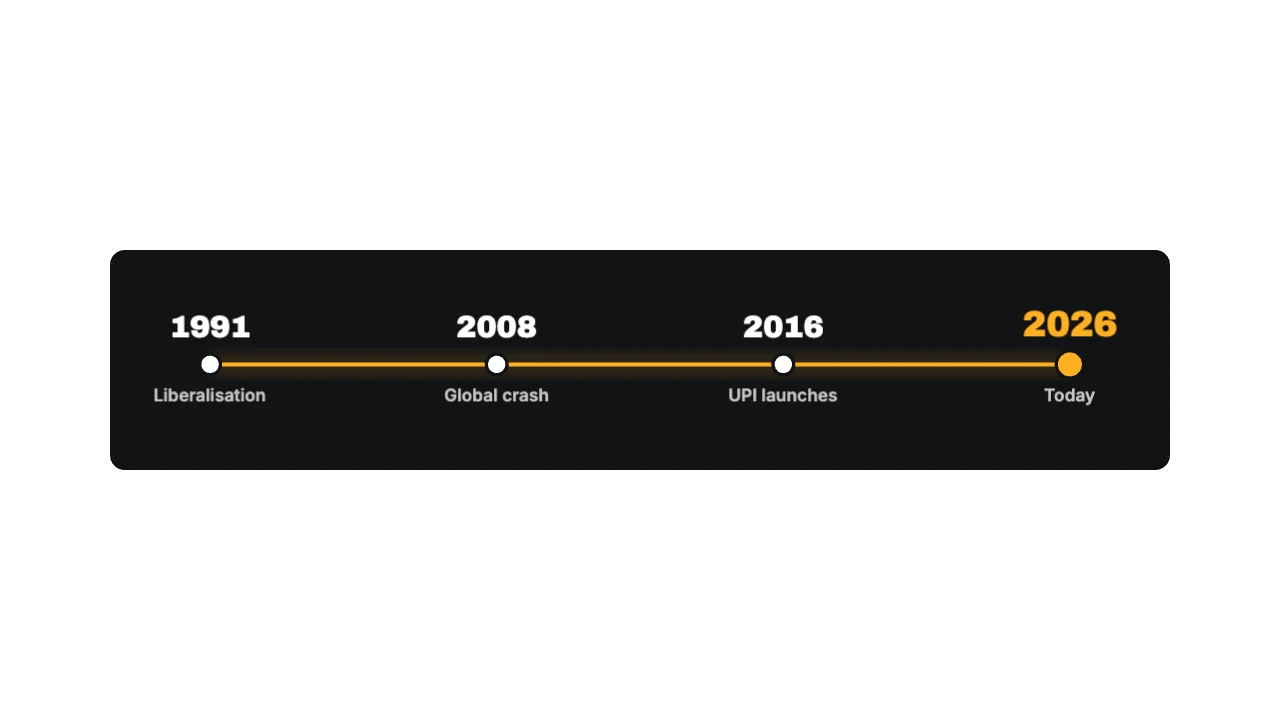
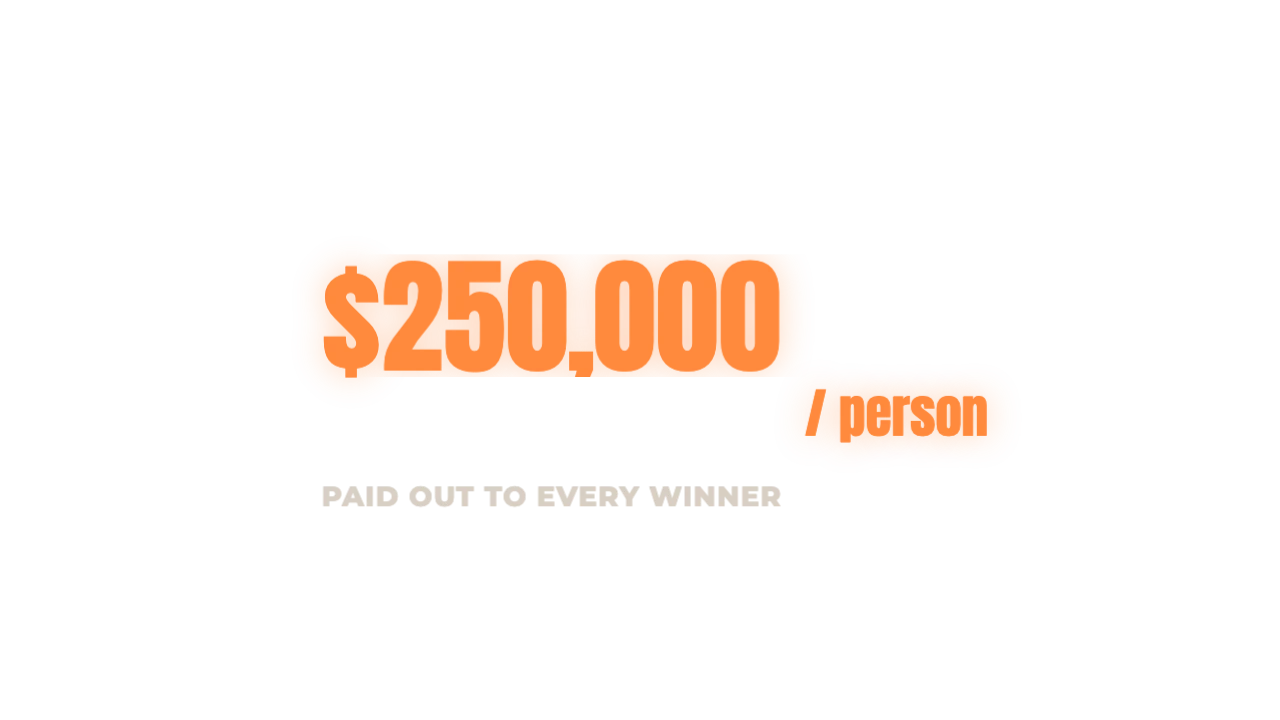
Maps that draw the route on a real map, headlines highlighted on the actual article, timelines and the one big number. Type your places and facts, pick a style, drop it into your edit.
Elements
The two-hour version, and the one-minute version.
Today: Learn After Effects and a paid map plugin, then build each map by hand
With MotionJar: Type two places, pick flat, tilted 3D or globe, export
Today: Wait days for a freelancer, then go back and forth on revisions
With MotionJar: Make as many versions as the edit needs, in minutes
Today: Screenshot an article and fake the highlighter with masks
With MotionJar: Upload the screenshot, drag over the lines, they highlight in order
Today: Buy templates that still need After Effects to change a word
With MotionJar: Change every word in the browser; export for any editor
What it’s worth to you
You’d get back about
19 h
every month, across 40 elements.
Our estimate: about 30 minutes to build one element from scratch in After Effects (maps and data charts often take far longer), about 2 minutes here including the export.
Questions
Are the maps real?
Yes. Routes are drawn on real country and coastline data (Natural Earth), with cities by name. Pick a flat map, a tilted 3D map or a globe.
Will it match my channel’s look?
Each element has several styles (paper, ink, night, minimal) and every colour is editable. Pro adds brand kits so a client’s colours apply in one tap.
Does it work in Premiere and DaVinci?
Yes. Export a transparent ProRes 4444 MOV or a PNG sequence and drop it above your footage. Phone editors get a green-screen MP4.