For gaming videos and Shorts
End Screen for Final Cut Pro, as a green screen
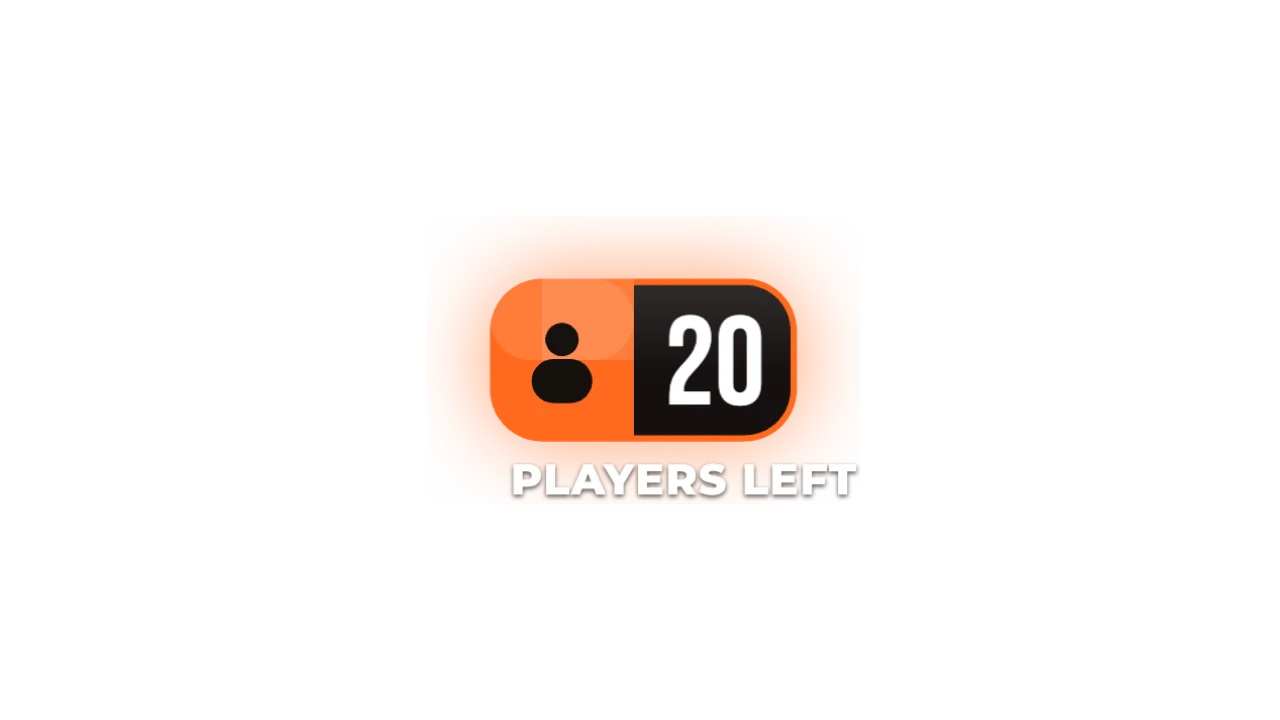
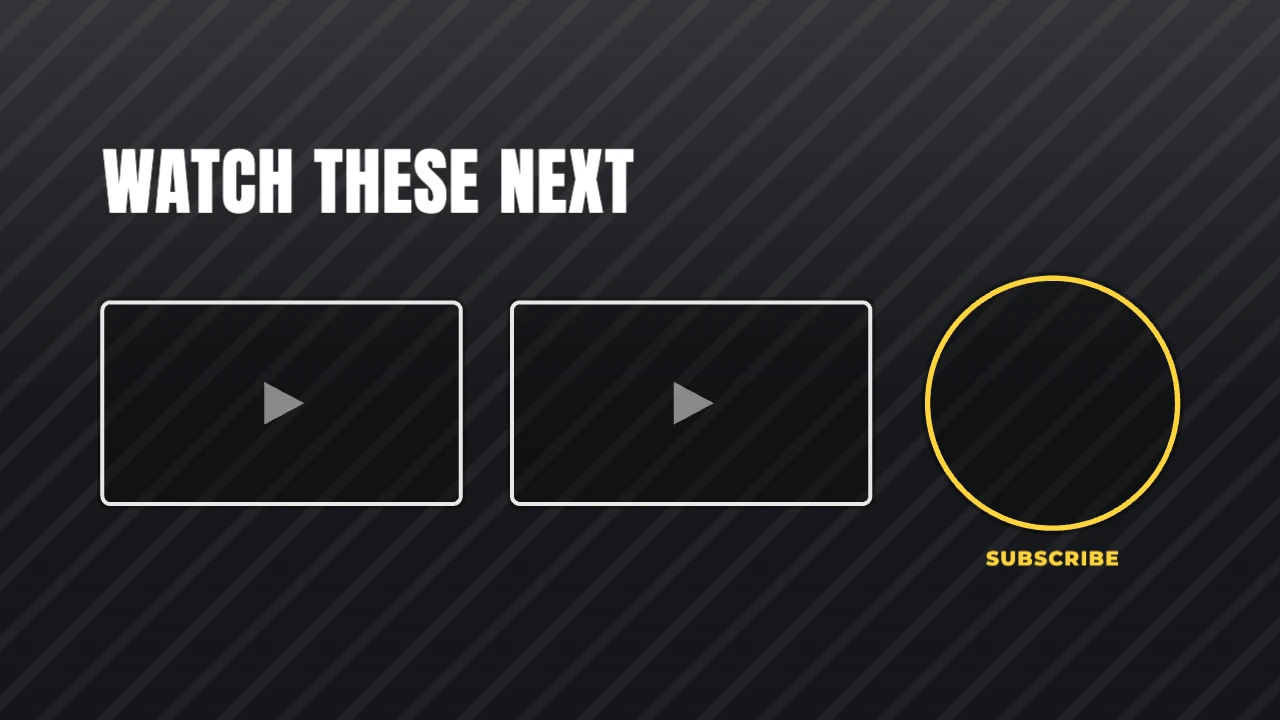
An outro with two video slots and a subscribe circle placed where YouTube end-screen elements sit. Made for scores, eliminations, ranks and match results. Export it as a green-screen MP4 and it drops straight into Final Cut Pro.
STARTER16:9 · up to 60 fps
Also for Final Cut Pro: transparent MOV, PNG sequence
Import guide · green screen
Add it in Final Cut Pro
- Connect the MP4 above your footage.
- Add Effects → Keying → Keyer. It picks the green for you.
- Adjust Strength until the edges are clean.
FAQ
How do I add the End Screen in Final Cut Pro?
Connect the MP4 above your footage. Add Effects → Keying → Keyer. It picks the green for you. Adjust Strength until the edges are clean.
Why green screen for Final Cut Pro?
Key it out. VN, InShot, CapCut mobile, Edits. It's the format Final Cut Pro reads most reliably.
Can I change the numbers and words for my gaming video?
Yes. Every word, number, colour and the motion are editable in the browser. It's made for scores, eliminations, ranks and match results.
Is it free?
Previews and styles are free to try. Customising and exporting are on Starter and up, with a 3-day free trial.