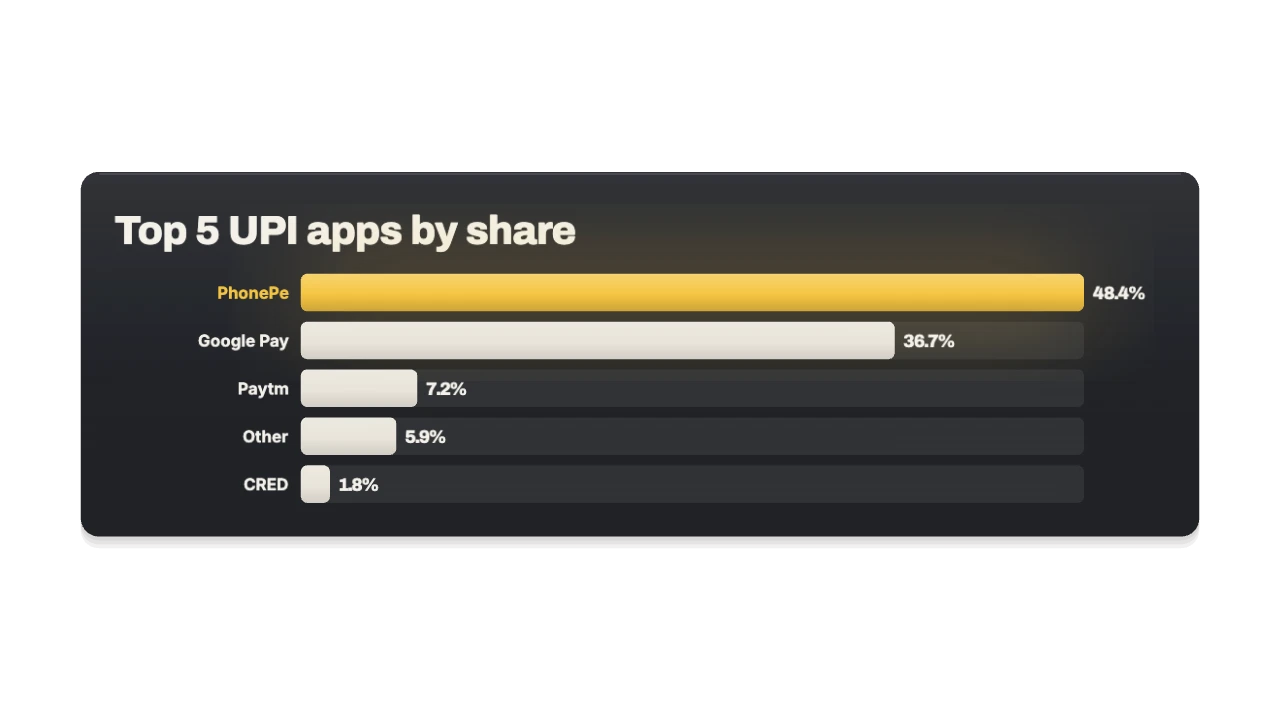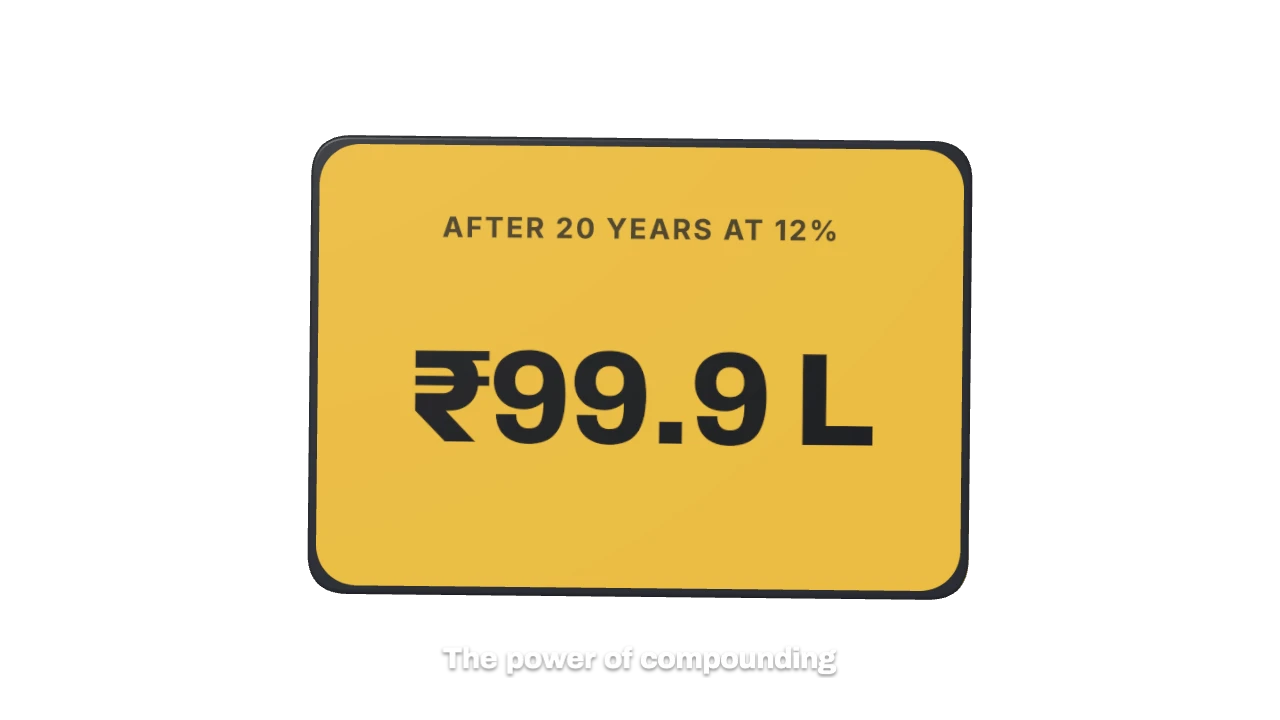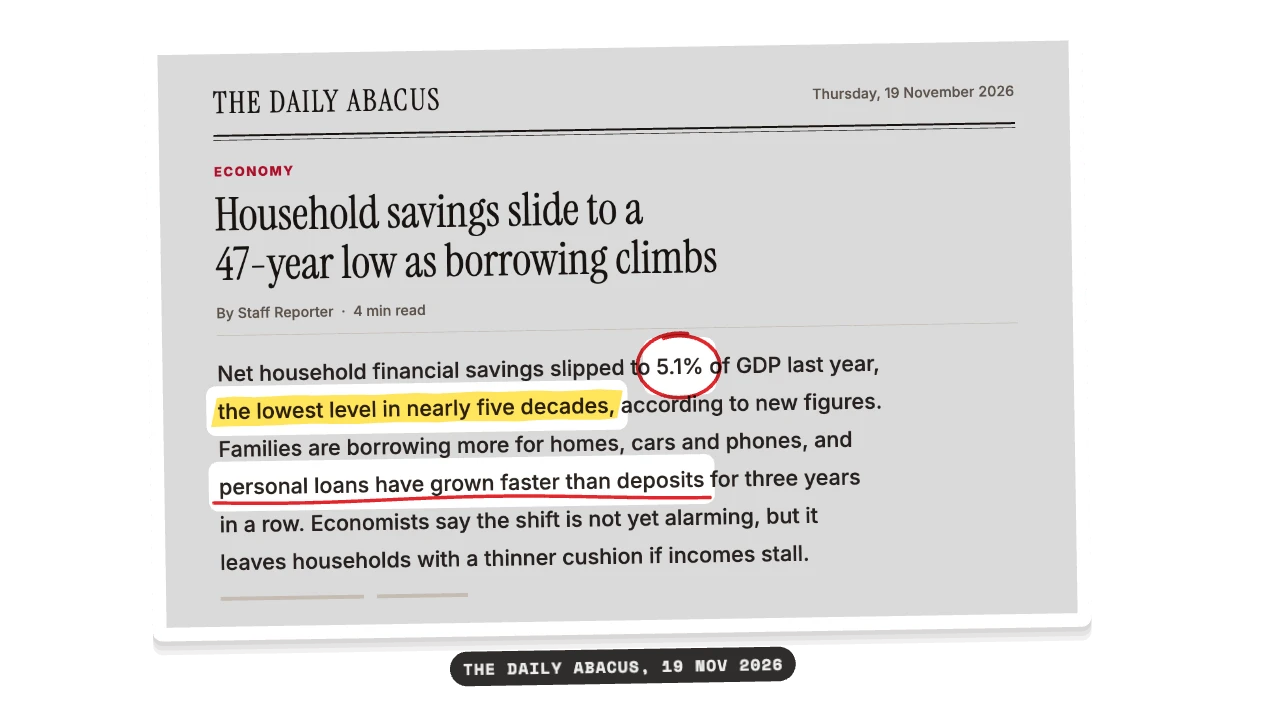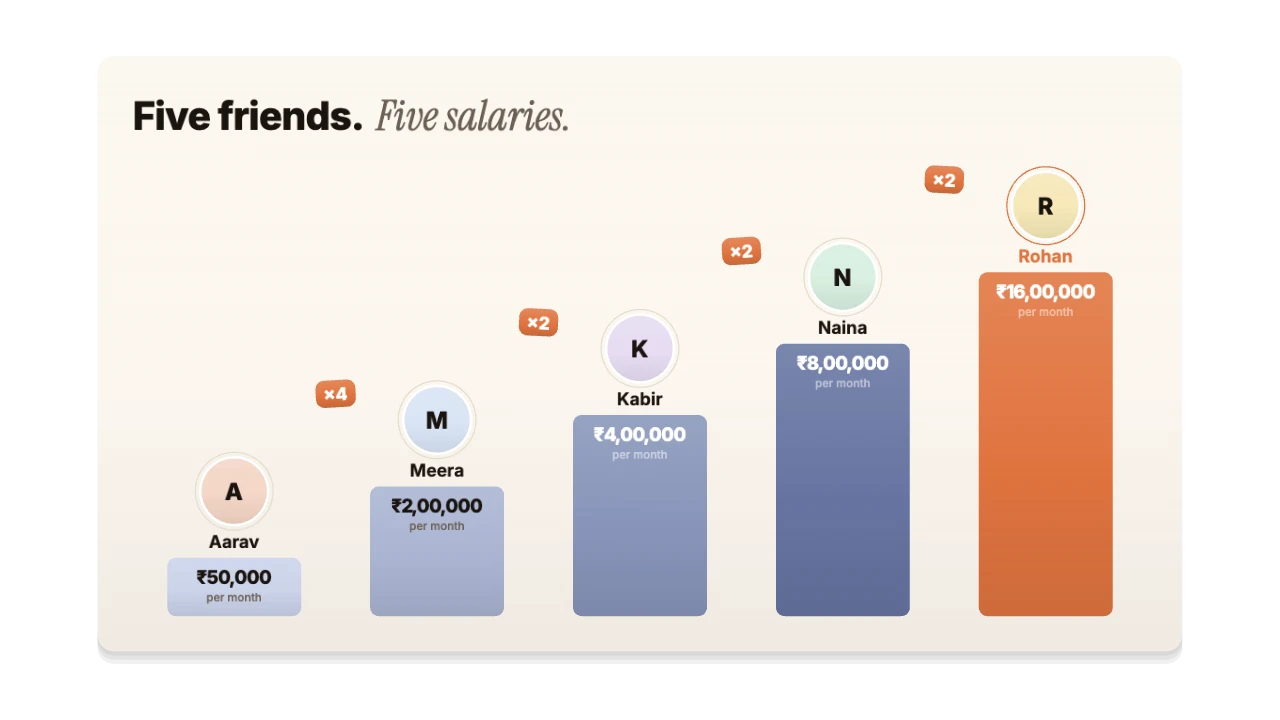
For education and explainer videos
Chapter Card for DaVinci Resolve, as a PNG sequence
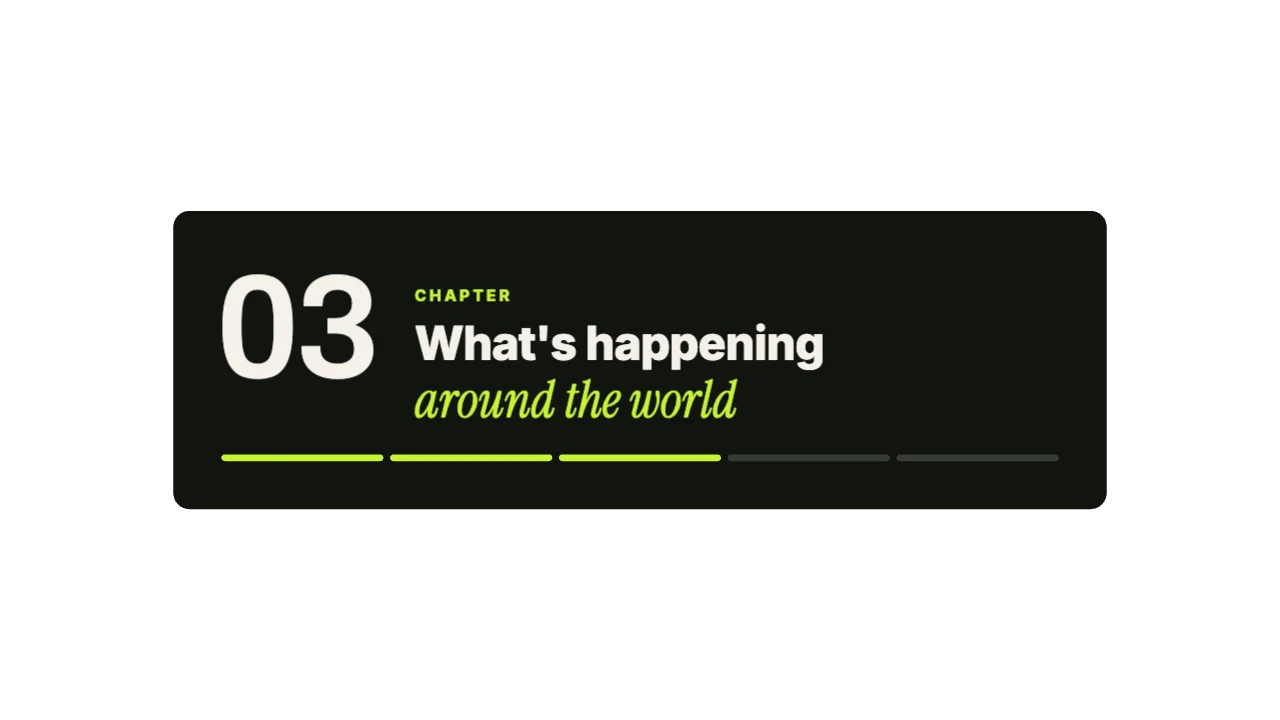
A big chapter number, a title and a progress bar showing how far into the video we are. Made for lessons, frameworks, key facts and quiz answers. Export it as a transparent PNG sequence and it drops straight into DaVinci Resolve.
STARTER16:9, 9:16, 1:1 · up to 60 fps
Also for DaVinci Resolve: transparent MOV, transparent WebM, green screen
Import guide · PNG sequence
Add it in DaVinci Resolve
- Unzip the download. Keep the PNGs in their folder.
- Import the folder as an image sequence at the frame rate in README.txt.
- Put it on a track above your footage; transparency comes through.
FAQ
How do I add the Chapter Card in DaVinci Resolve?
Unzip the download. Keep the PNGs in their folder. Import the folder as an image sequence at the frame rate in README.txt. Put it on a track above your footage; transparency comes through.
Why PNG sequence for DaVinci Resolve?
Alpha, frame by frame. Any editor, After Effects. It's the format DaVinci Resolve reads most reliably.
Can I change the numbers and words for my education video?
Yes. Every word, number, colour and the motion are editable in the browser. It's made for lessons, frameworks, key facts and quiz answers.
Is it free?
Previews and styles are free to try. Customising and exporting are on Starter and up, with a 3-day free trial.