For finance and money channels
Avatar Staircase for Premiere Pro, as a green screen
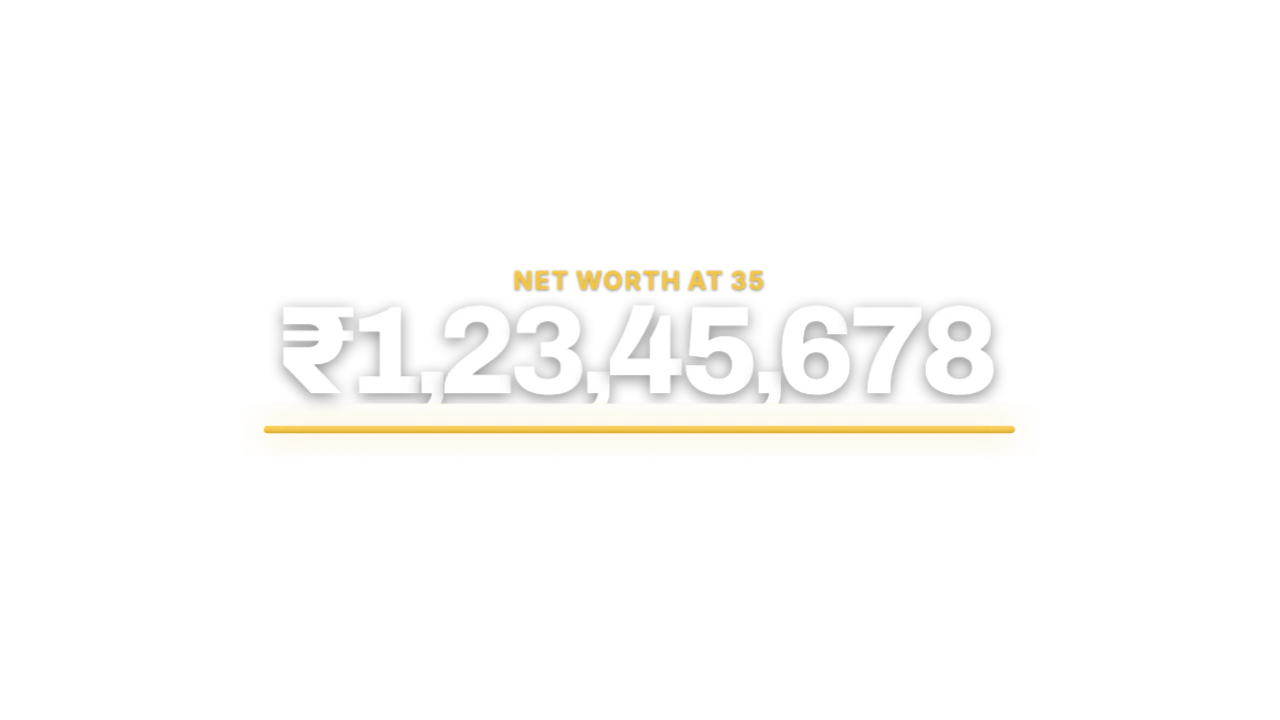
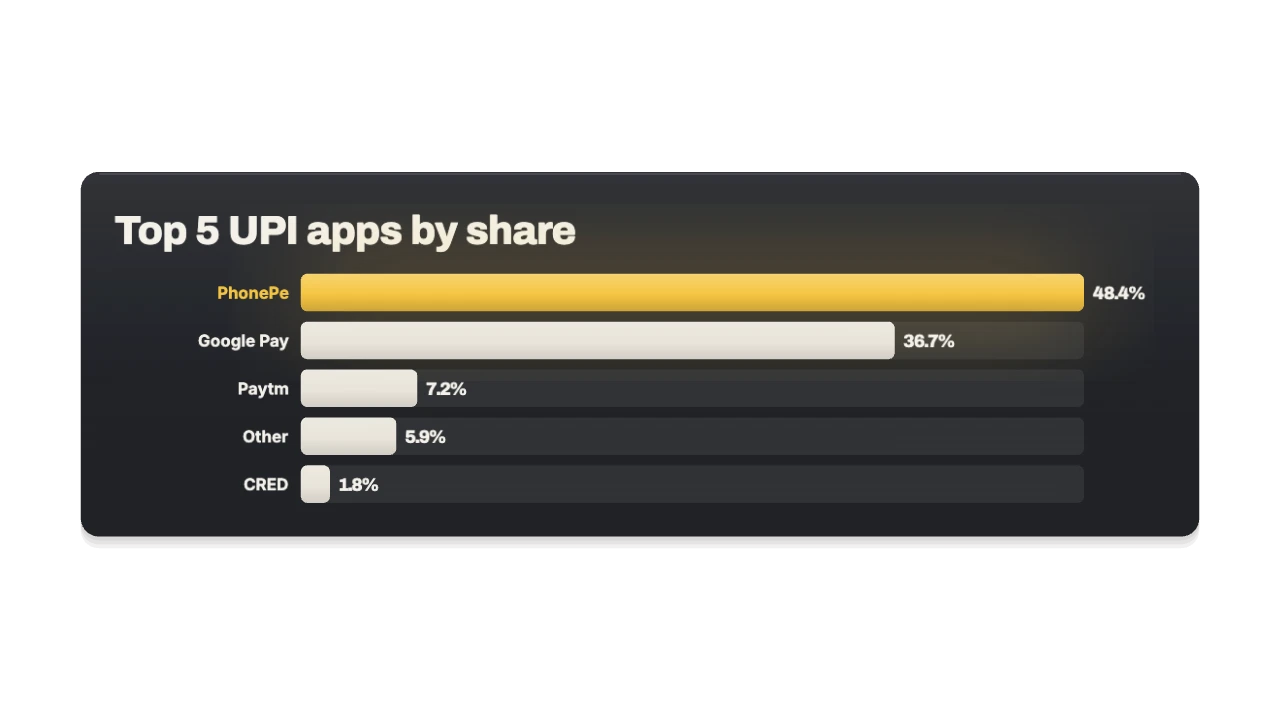
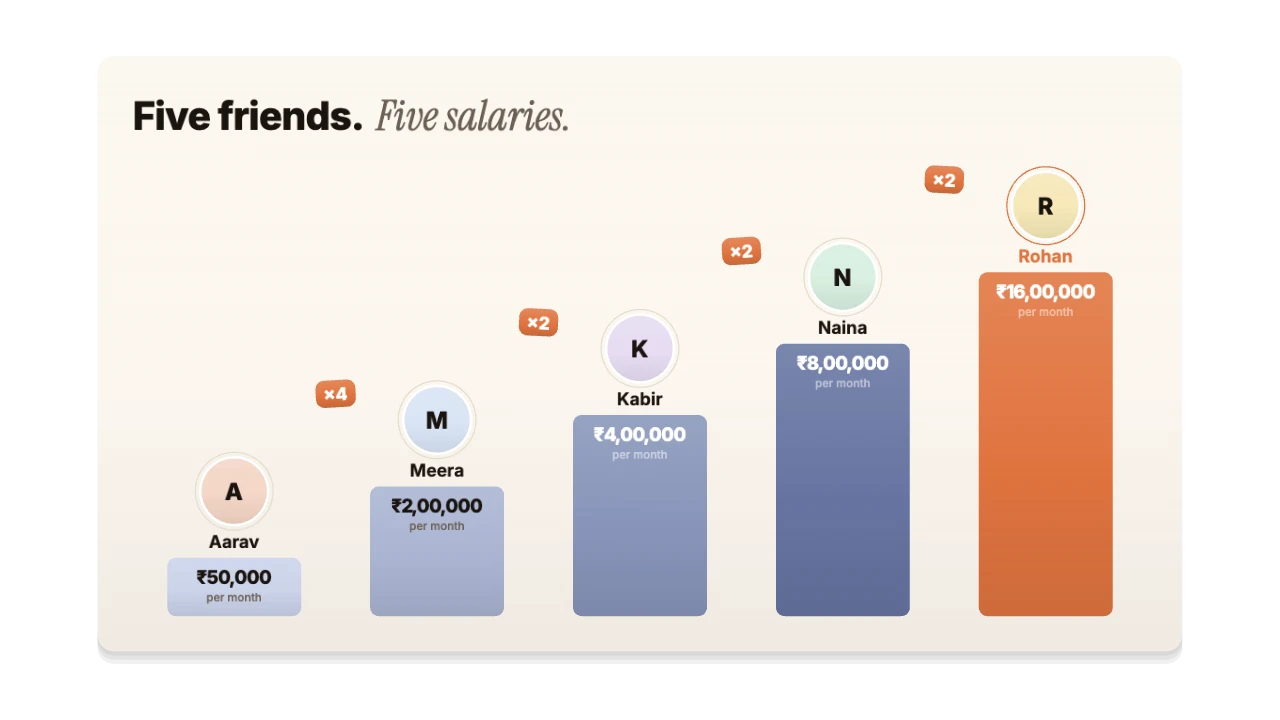
People as rising bars: salaries, net worth or followers, with ×2 jumps between each step. Made for net worth, salaries, stock moves and market data. Export it as a green-screen MP4 and it drops straight into Premiere Pro.
PRO16:9, 9:16, 1:1 · up to 60 fps
Also for Premiere Pro: transparent MOV, PNG sequence
Import guide · green screen
Add it in Premiere Pro
- Drop the MP4 on V2 above your footage.
- Add Effects → Keying → Ultra Key and pick the green with the eyedropper.
- Set Matte Generation to Aggressive if any green remains.
FAQ
How do I add the Avatar Staircase in Premiere Pro?
Drop the MP4 on V2 above your footage. Add Effects → Keying → Ultra Key and pick the green with the eyedropper. Set Matte Generation to Aggressive if any green remains.
Why green screen for Premiere Pro?
Key it out. VN, InShot, CapCut mobile, Edits. It's the format Premiere Pro reads most reliably.
Can I change the numbers and words for my finance video?
Yes. Every word, number, colour and the motion are editable in the browser. It's made for net worth, salaries, stock moves and market data.
Is it free?
Previews and styles are free to try. Customising and exporting are on Pro and up, with a 3-day free trial.