Discord Server Invite
For Discord server invites
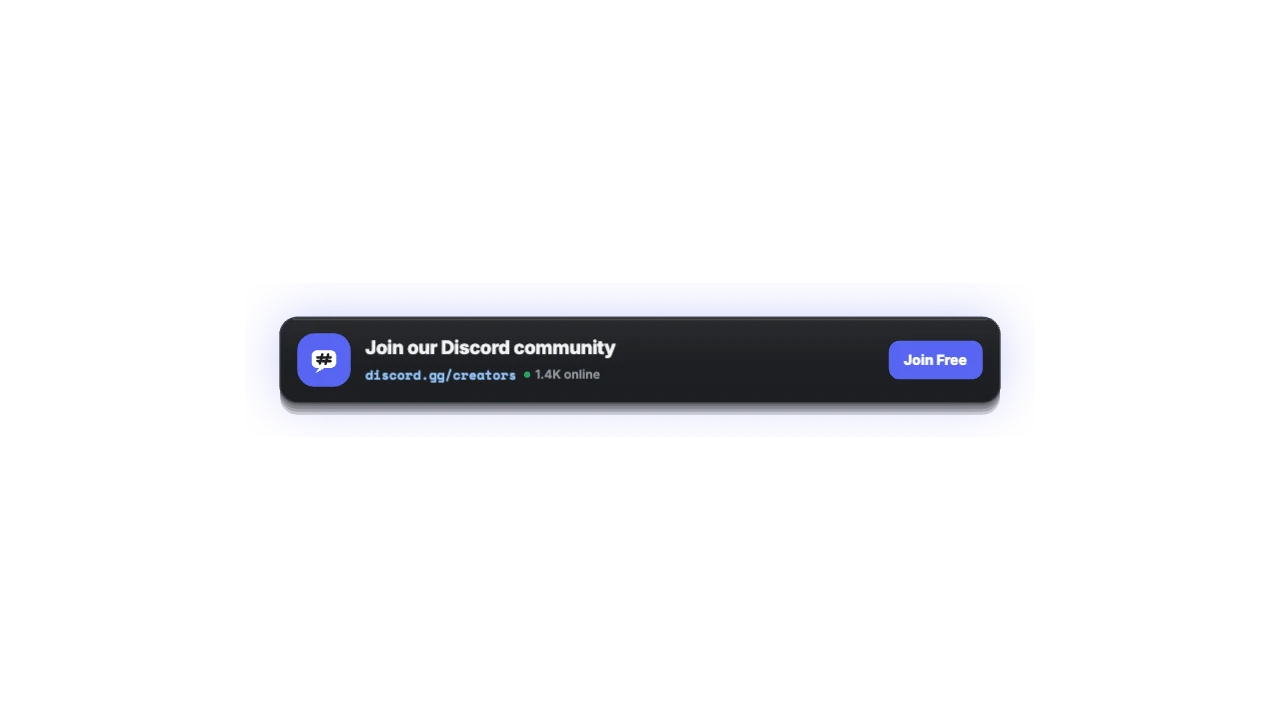
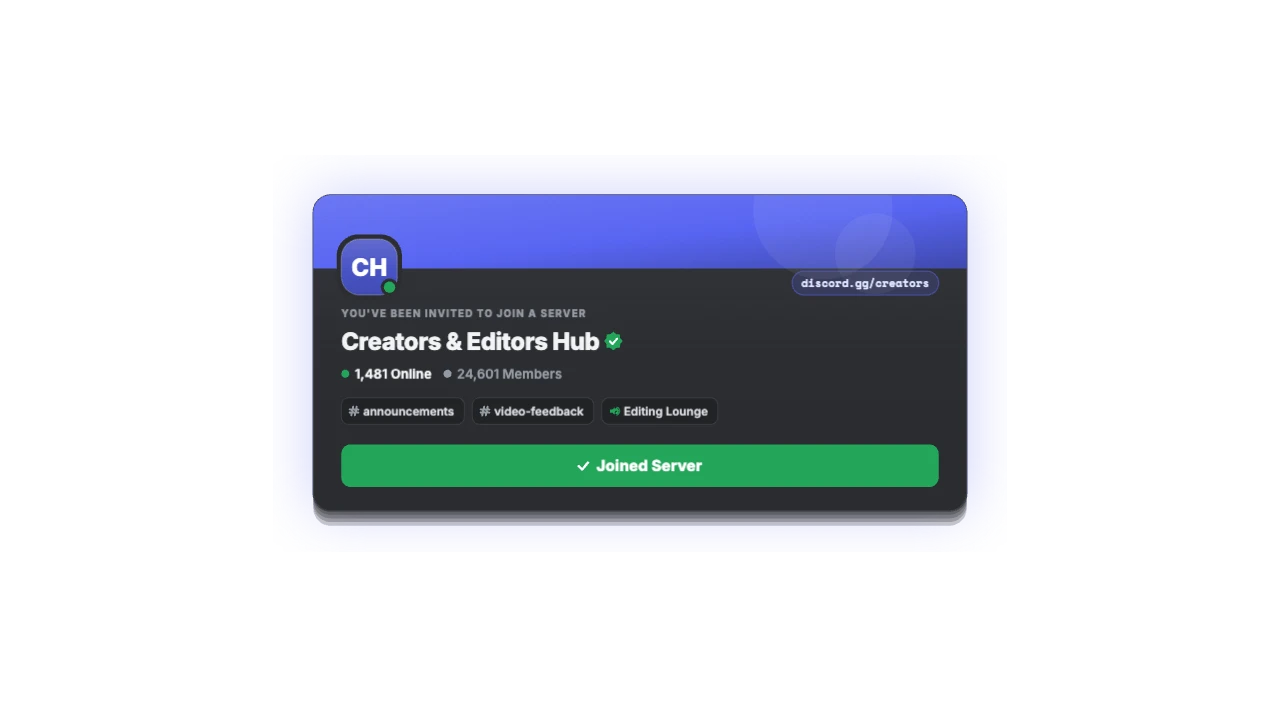
Community server invite card with banner header, online member counters, channel chips, and an animated Join Server button.
CREATORWorks in every editor · 16:9, 9:16, 1:1
Downloads
Import guide
How to use it in CapCut
- Add the clipTap Overlay → Add overlay and pick the downloaded MP4.
- Remove the greenTap Remove BG → Chroma key and pick the green.
- Tune itSet Intensity to about 35 and Shadow to 0 for clean edges.
- Place and timeDrag it into position and trim it to your beat.
Full CapCut guide, with the black-background fix →
Using another editor? See the import guides for Premiere Pro, DaVinci Resolve, Final Cut Pro, CapCut and 6 more.
Specs
- Duration
- 5 s (adjustable)
- Ratios
- 16:9, 9:16, 1:1 · auto-fits each
- Resolution
- Up to 2K at 60 fps
- Plan
- Creator and up
- Languages
- English, Hindi, Japanese, Spanish
- Styles
- Discord Dark, Nitro Blurple, Clean Light, Neon Gaming
FAQ
How do I use the Discord Server Invite in CapCut, VN or InShot?
Export the green-screen MP4, add it as an overlay, then use Chroma key to remove the green. Phone editors can’t always read transparent files, so green screen is the reliable route.
Does the Discord Server Invite work in Premiere Pro, DaVinci Resolve and Final Cut?
Yes. Export ProRes 4444 (.mov) or a PNG sequence and drop it above your footage. The background is already transparent.
Can I type in Hindi or Japanese?
Yes. Devanagari, Japanese and accented Latin work in every text field, and the layout resizes to fit.
Is it free?
Watching the preview and trying styles is free. Customising and exporting it is on the Creator plan and up, with a 3-day free trial.